An encrypted vault for your Mac that never goes online.

Files, notes, passwords and two-factor codes, sealed under keys only you hold. We run no server and keep no copy.

Free for 25 items · $39 once · Apple silicon, macOS 26+
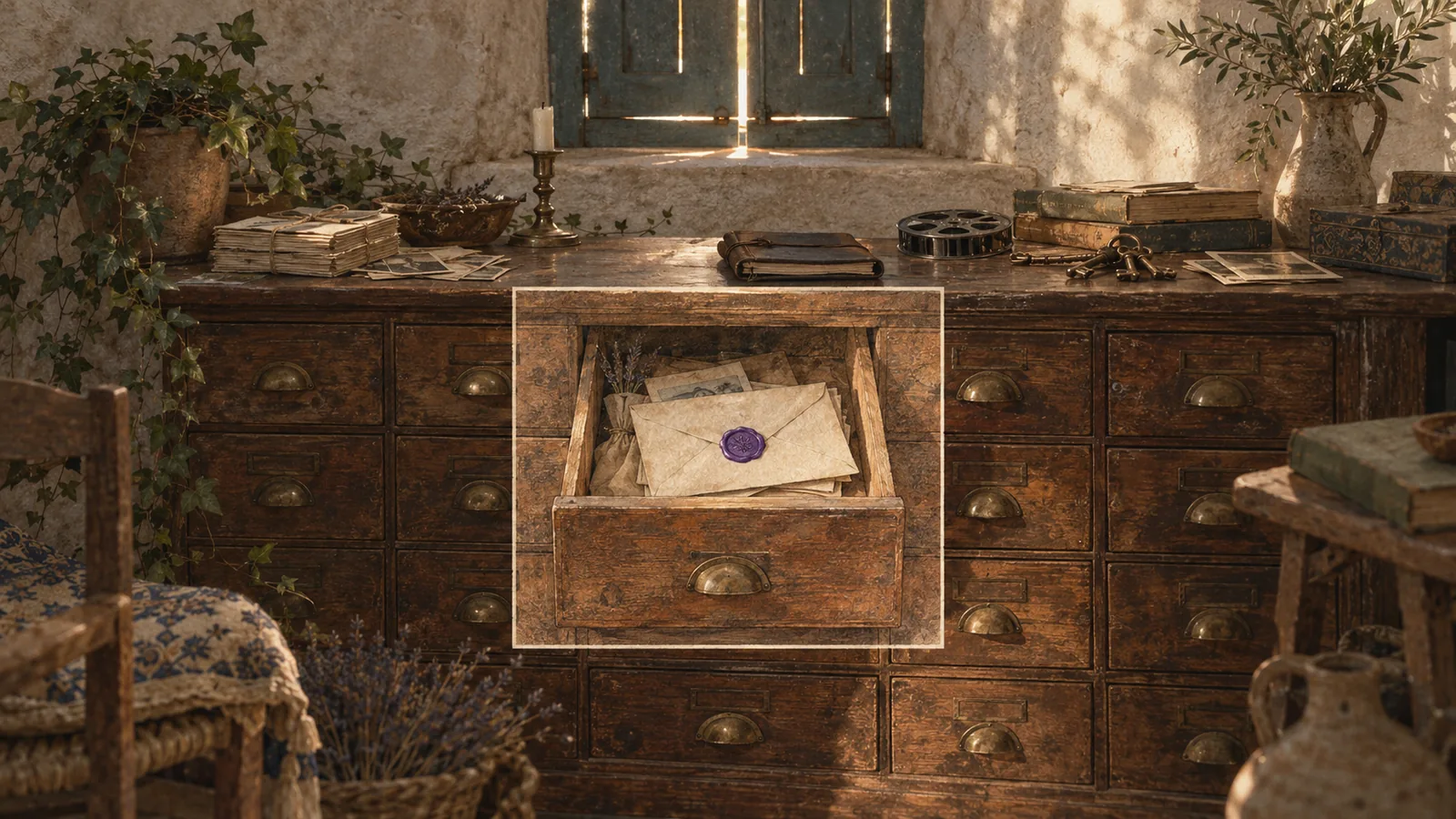
The vault Everything private, sealed in one folder on your Mac

DemoIn your browser

Seal a sentence yourself

The app’s encryption, run in your browser. Nothing you type leaves the page.

Cipher
AES-256-GCM
A fresh key
Every seal
Try it

SecurityThreat model

What it protects against, and what it doesn’t

Both lists, word for word from our security rules.

Independent audit
Not yet
The rules
Eleven
Read the lists

FormatPublic

Open your vault without us

Every byte is documented, and a short script opens your vault without the app.

The reader
stillroom-open.py
Licence
MIT
Read the format

Inside the app

One window for everything you keep private.

A native Mac app in a single colour: your files, notes and secrets in one quiet list, and nothing moves until you ask it to.

Everything in one list: files, notes and secrets, with folders, tags and versions.

Seal it yourself

Try the seal, right here in your browser.

The same encryption Stillroom puts on every item, run by your browser. Nothing you type leaves this page.

Press Seal it, or hold it. A fresh 256-bit key and a fresh nonce are made for every seal.

Item key · 32 bytes made fresh when you press Seal it
Bound to · not stored, must be given again to open “Vault item 3” + a fresh 16-byte id
The sealed bytes appear here.

  • Same text, new bytes every time: a fresh key and nonce for every seal.
  • Change one byte anywhere and it refuses to open. Nothing partial comes out.
  • Nothing you type is sent anywhere, and the count below shows it.

Never goes online

Nothing leaves your Mac.

Stillroom makes no network connections, so there’s nothing of yours on a server for anyone to breach. How we check

No account

Nothing to sign up for. Your licence is checked on your Mac.

No server, no sync

Your vault is one folder on your Mac. Back it up to a disk you plug in.

No update check

Updates are downloads from this site, when you choose.

This page has loaded 0 files from other sites since you opened it. Your browser’s own count: no analytics, no cookies.

Pricing

Pay once, and get the same protection in every tier.

Tiers differ in how much you keep and for how many people, and never in how safe it is.

Free

$0 forever

Every feature, up to 25 items.

  • Every way in, the decoy, backups and export
  • Opening, exporting and backing up never stop
  • Upgrade with a key, nothing to reinstall

Family

$129 one-time

Stillroom Vault for up to 5 people.

  • Five people, each on all their Macs
  • Each person’s vault stays their own
  • Every 1.x update included

Teams

Upon request per seat

For small offices: law, medical, journalism.

  • Priced per seat, when you ask
  • The same app, the same protection
  • No admin key: nobody can open a colleague’s vault

Questions

Before you trust us with your files.

What if I forget my password?

Use your recovery key, which you write down when you make the vault, or enough pieces of your emergency kit. If you’ve lost all three, nobody can open it, not even us. There’s no master key and no back door, ever. What to do, step by step.

Can you see my files?

No. Stillroom has no server and no account, and the app makes no network connections. Your files are sealed on your Mac with AES-256-GCM, under keys only you hold.

What happens at 25 items on the free version?

Adding more stops until you buy a licence. Opening, editing, exporting and backing up always keep working, licensed or not: Stillroom never holds your files hostage.

Is $39 a subscription?

No. It’s one payment, for every 1.x update. If there’s a 2.0, upgrading will cost $39 for 1.x owners, and 1.x keeps working forever. Every tier, Free included, has the same protection.

Does it sync with my iPhone or my other Macs?

No. Your vault is one folder on your Mac, and you move it with a backup. Optional sync through a folder you choose, carrying only sealed files, is planned for 2.0.

What if Stillroom stops being made?

The file format is public, and stillroom-open.py, which anyone may use (MIT), takes everything out with your password, recovery key or kit. You can also export everything as plain files at any time.

Will the decoy fool a forensic examiner?

Don’t count on it. It fools someone at the keyboard or with a copy of the folder, not someone who has one password and a copy: they can see the other vault holds something, though not what. It’s protection against thieves and abusers, not police. Rule 2 says exactly what it does and doesn’t do.

Has it been independently audited?

Not yet. An independent security review by someone named is planned, and its report will be published here in full, findings and fixes included. Until then, the security rules and the file format are public, so anyone can check our work.

Which Macs does it run on?

Macs with Apple silicon (M1 or later) running macOS 26 or later. Intel Macs aren’t supported. A Windows version is in progress, with no date yet.

Does it need an internet connection?

No. Stillroom makes no network connections at all, and every build is checked for networking code and refused if it has any. Updates are downloads from this site, when you choose.

More on the support page.

Try it with your own files, free for 25 items.

Every feature is in the free version. Pay $39 once when you want more than 25 items.

Apple silicon (M1 or later), macOS 26 or later